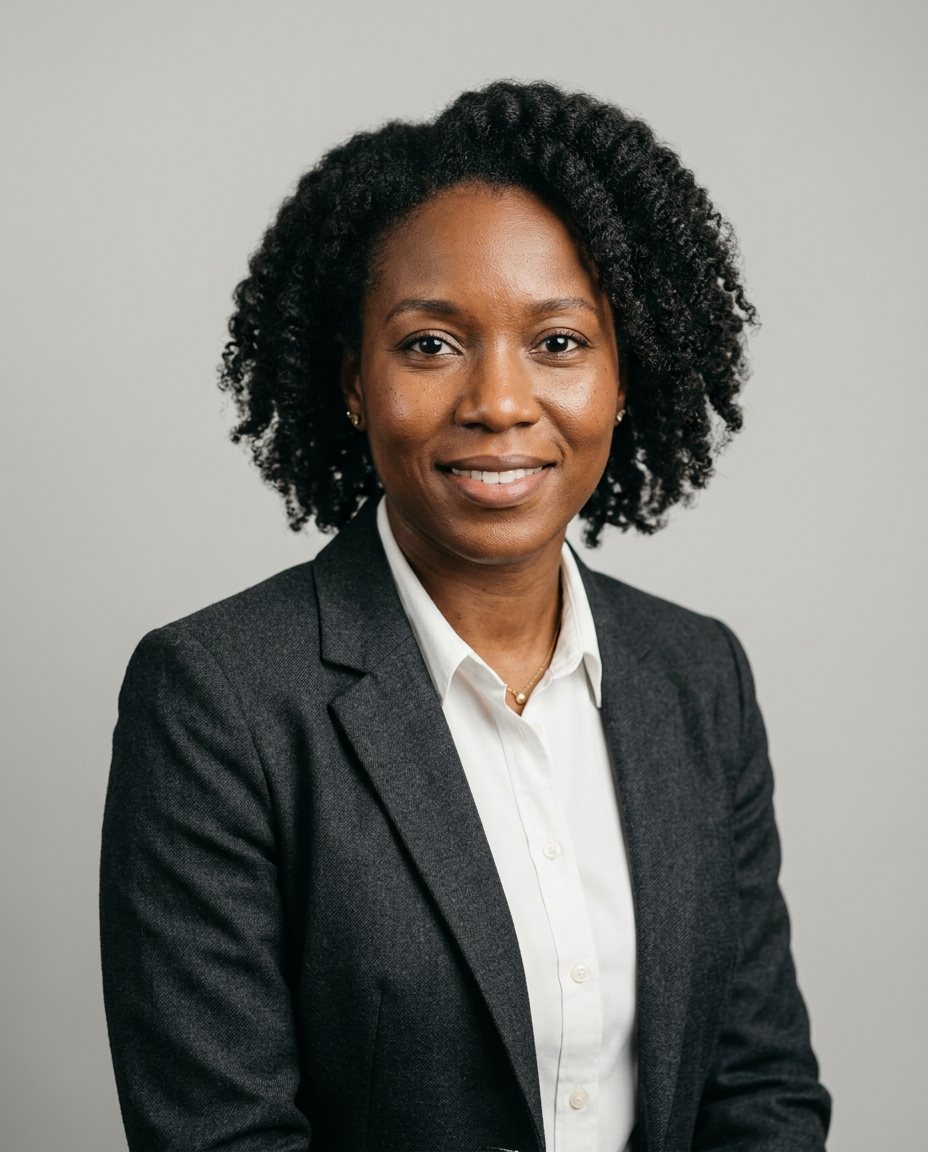
Selfies in, headshots out
The model can only learn what it sees. A varied, honest set of selfies gives it enough to get your face right from every angle.
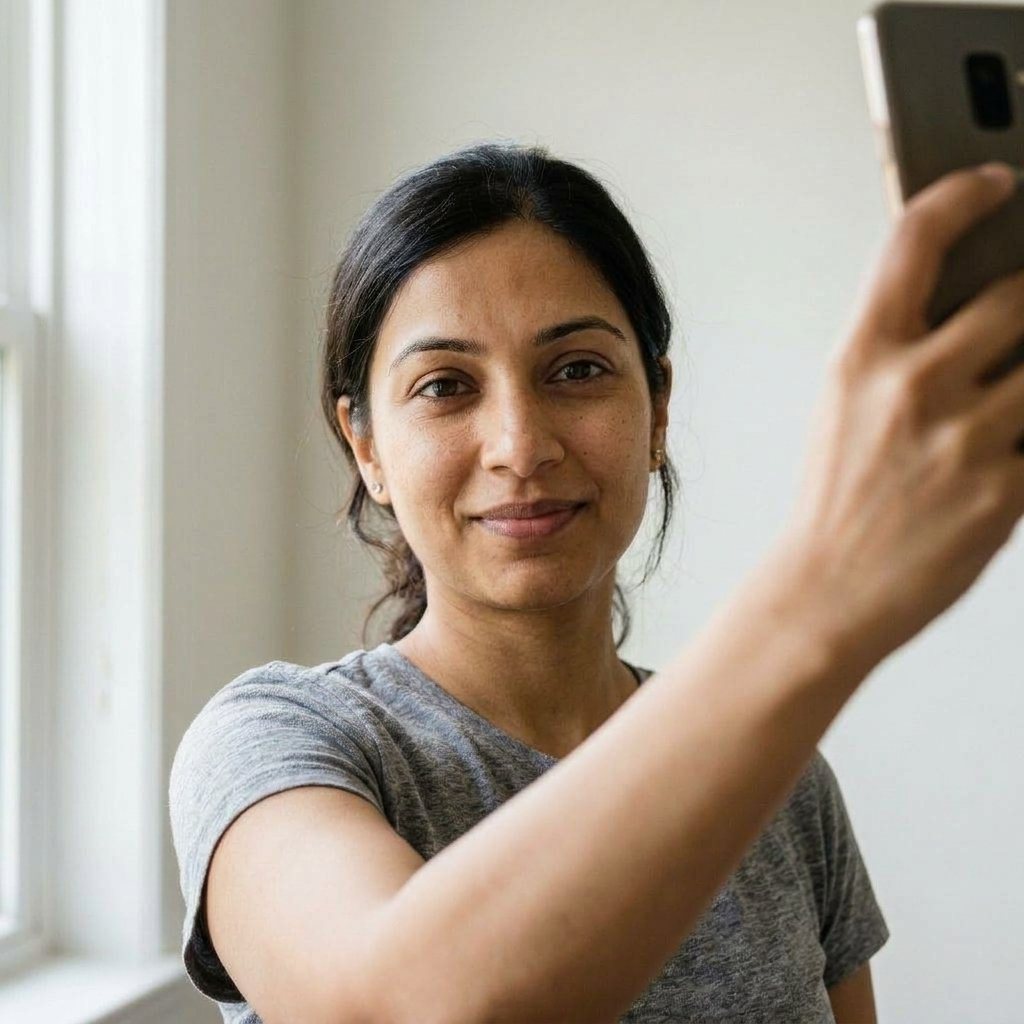
Good selfie set
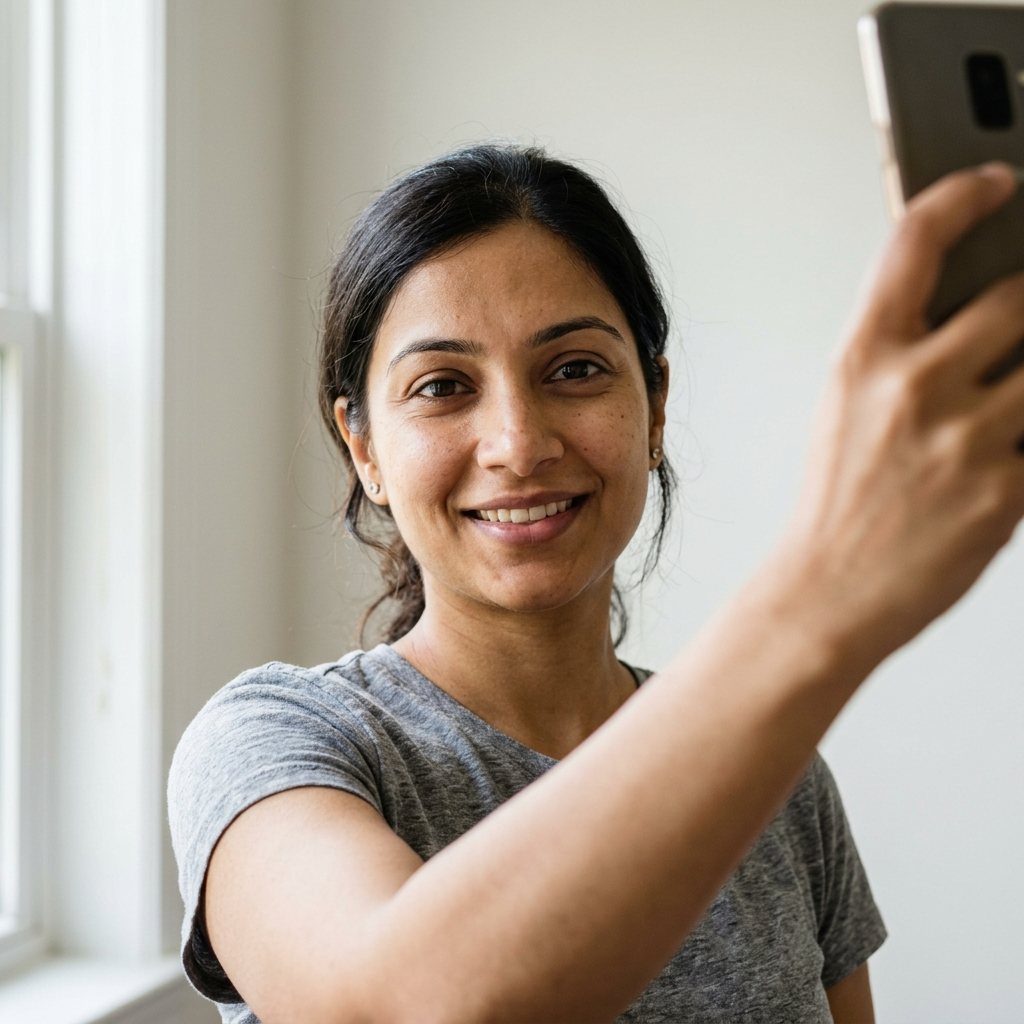
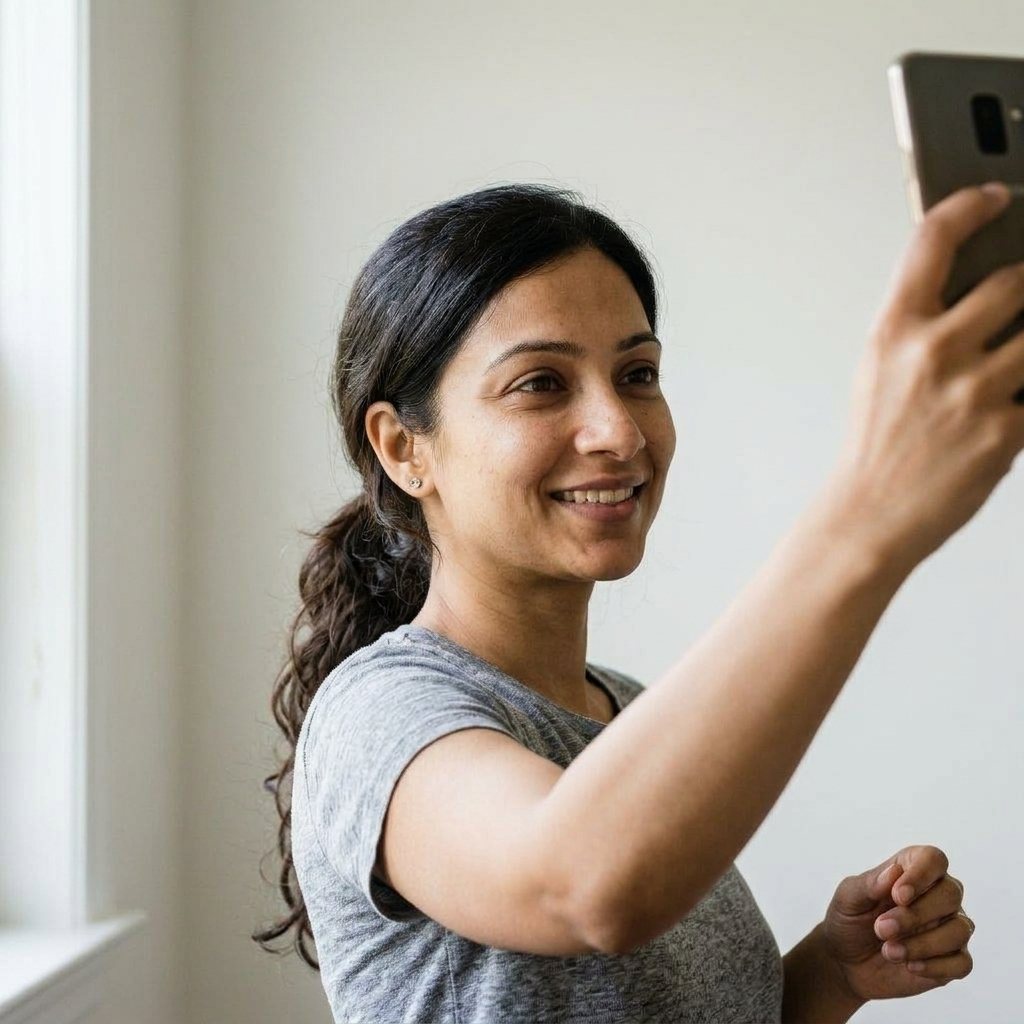
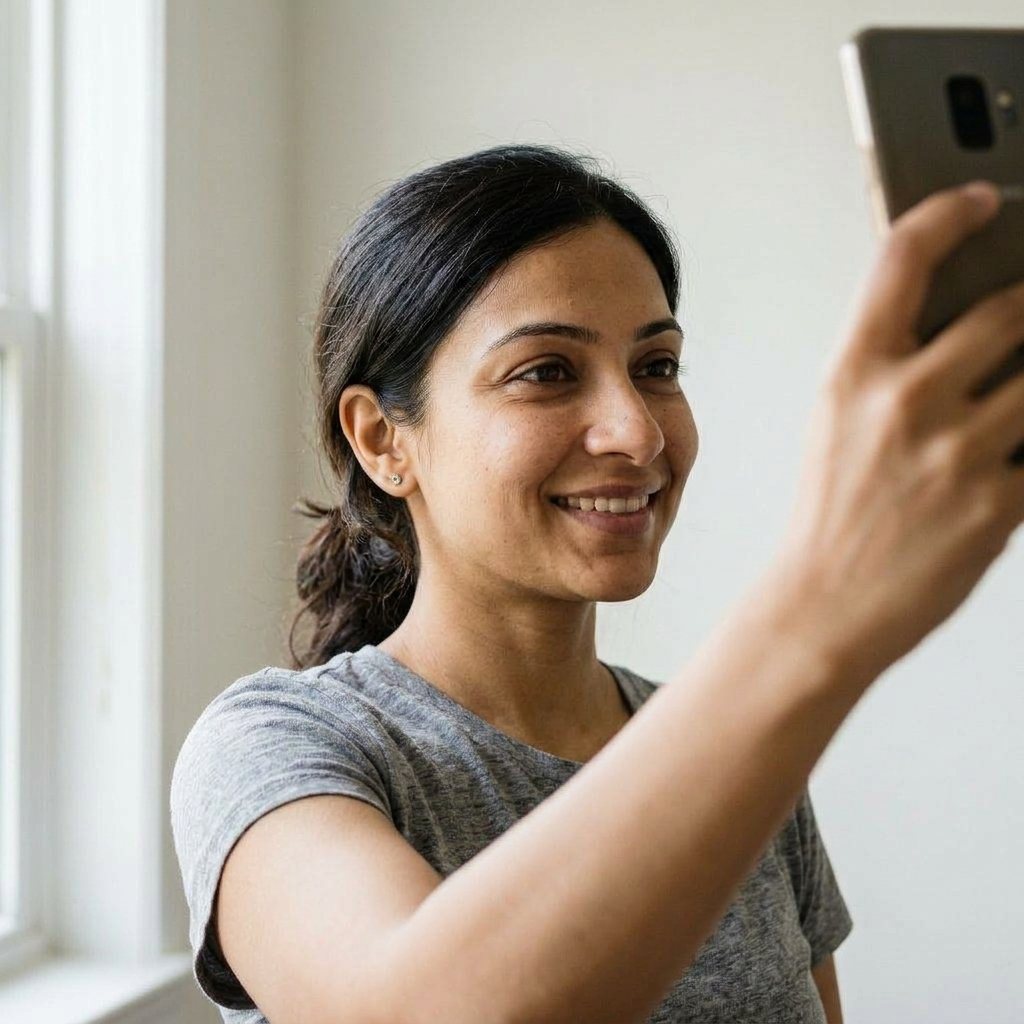
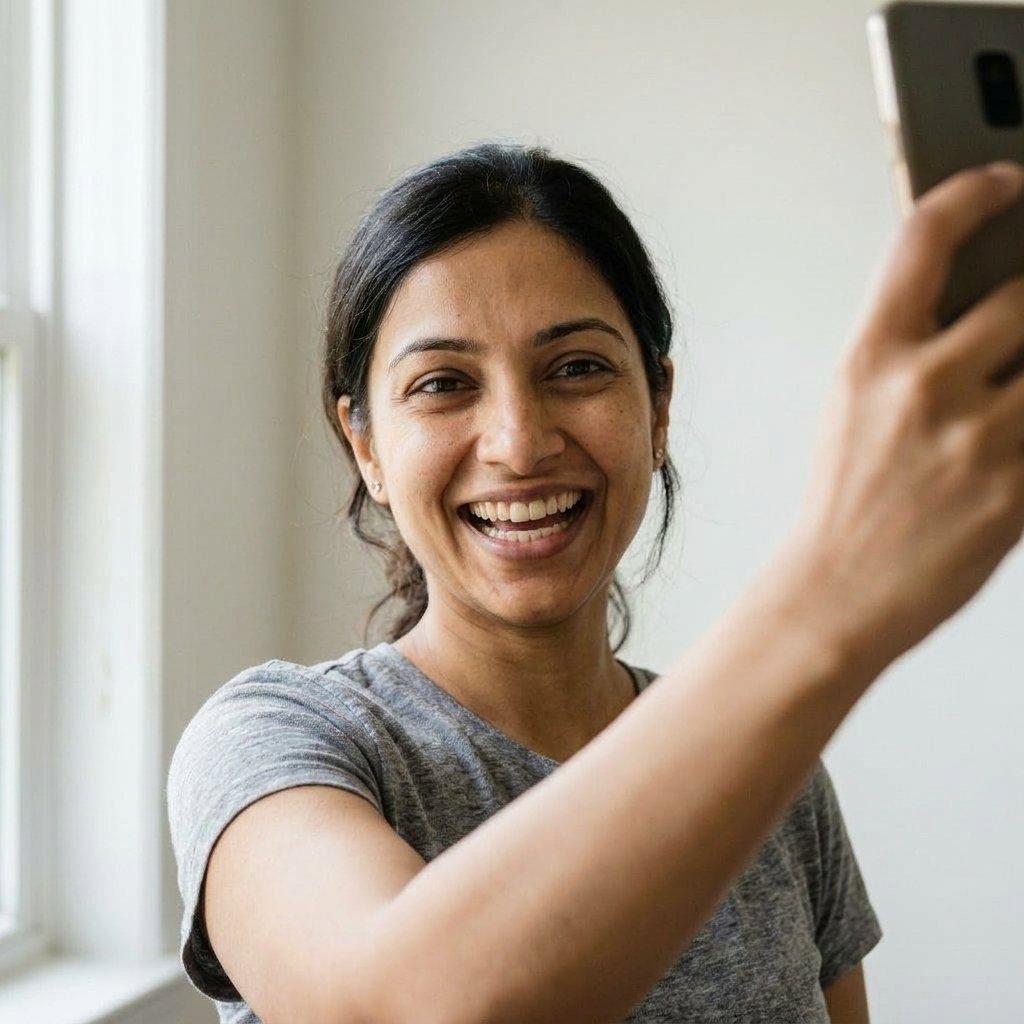
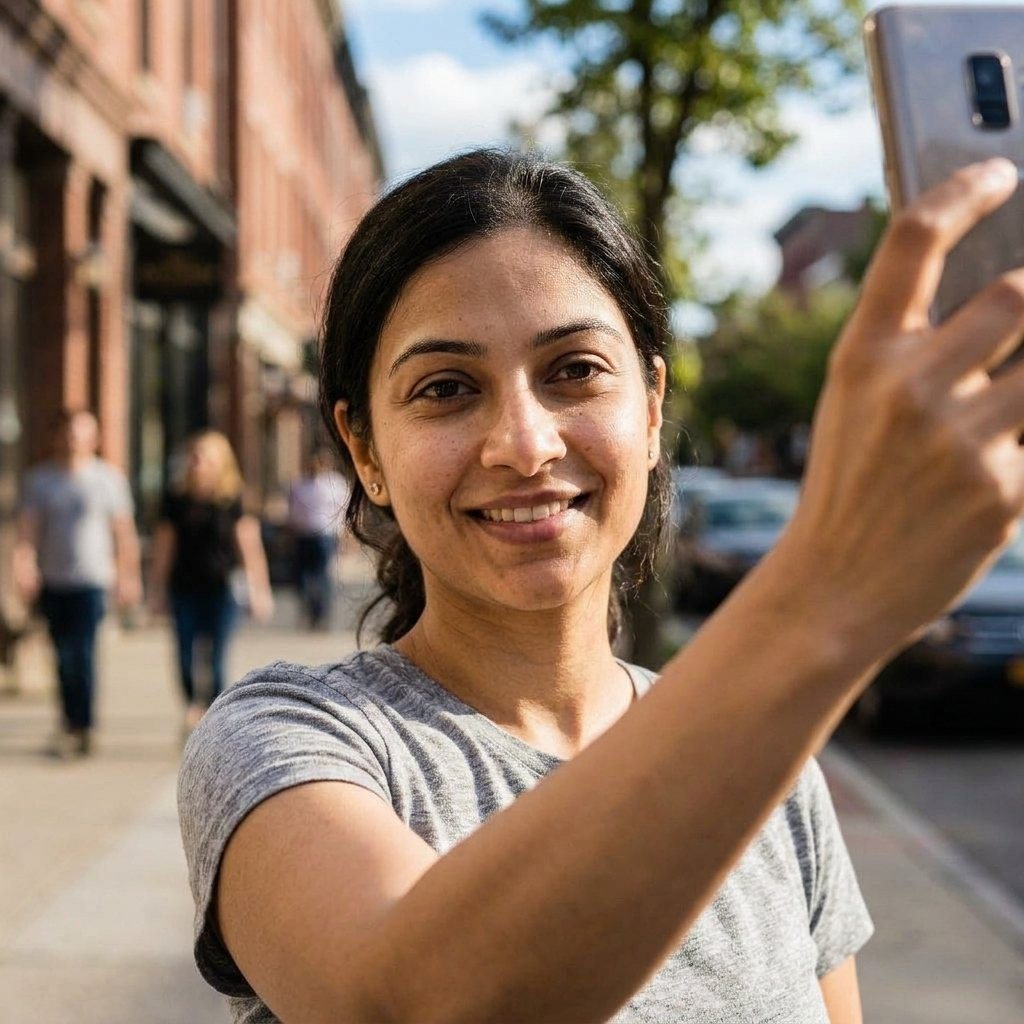
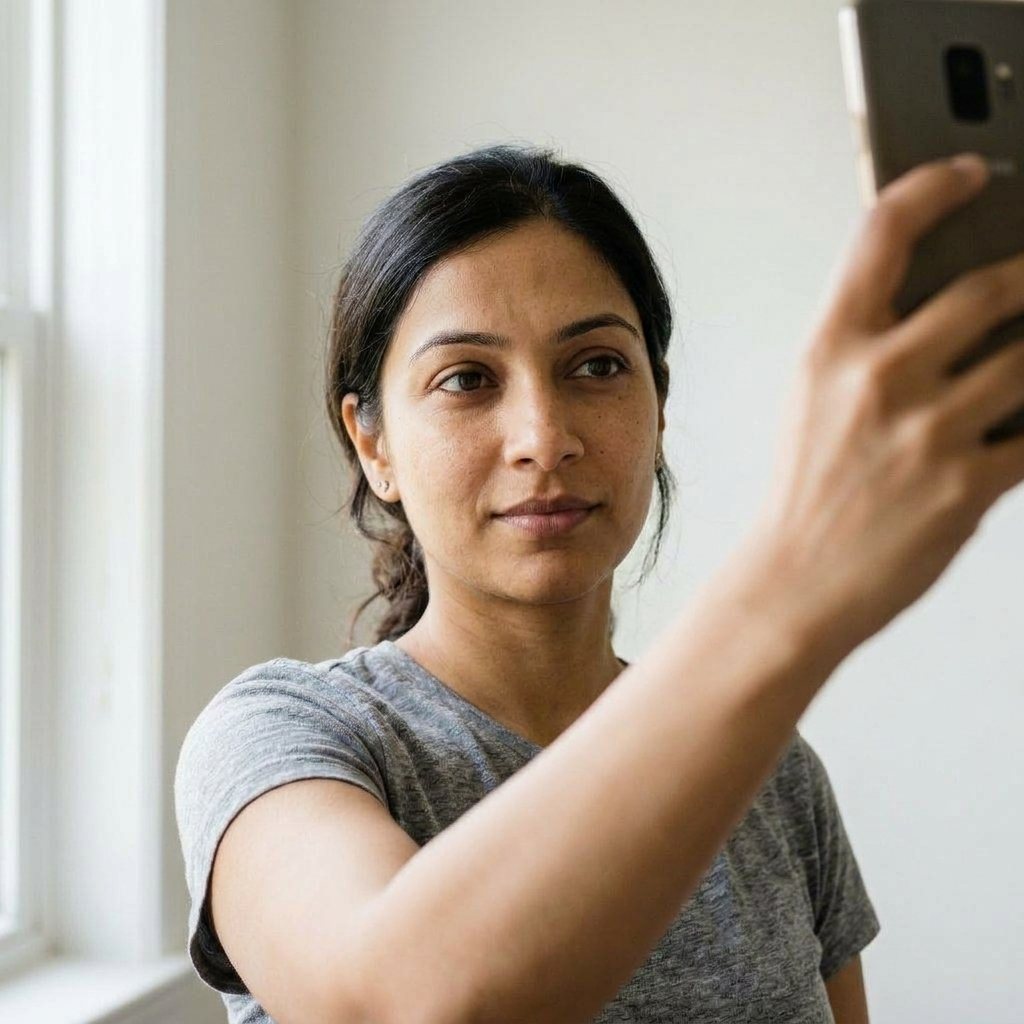
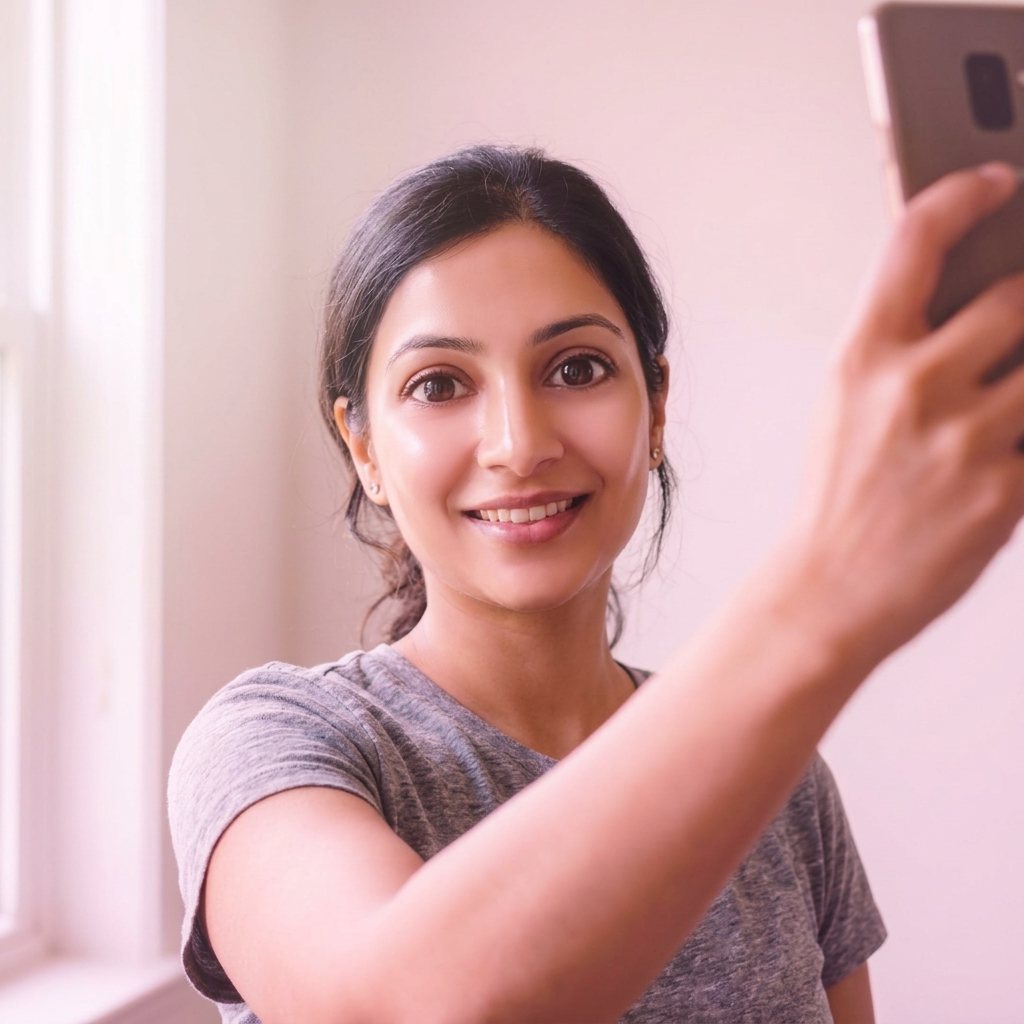
Set that looks fake later
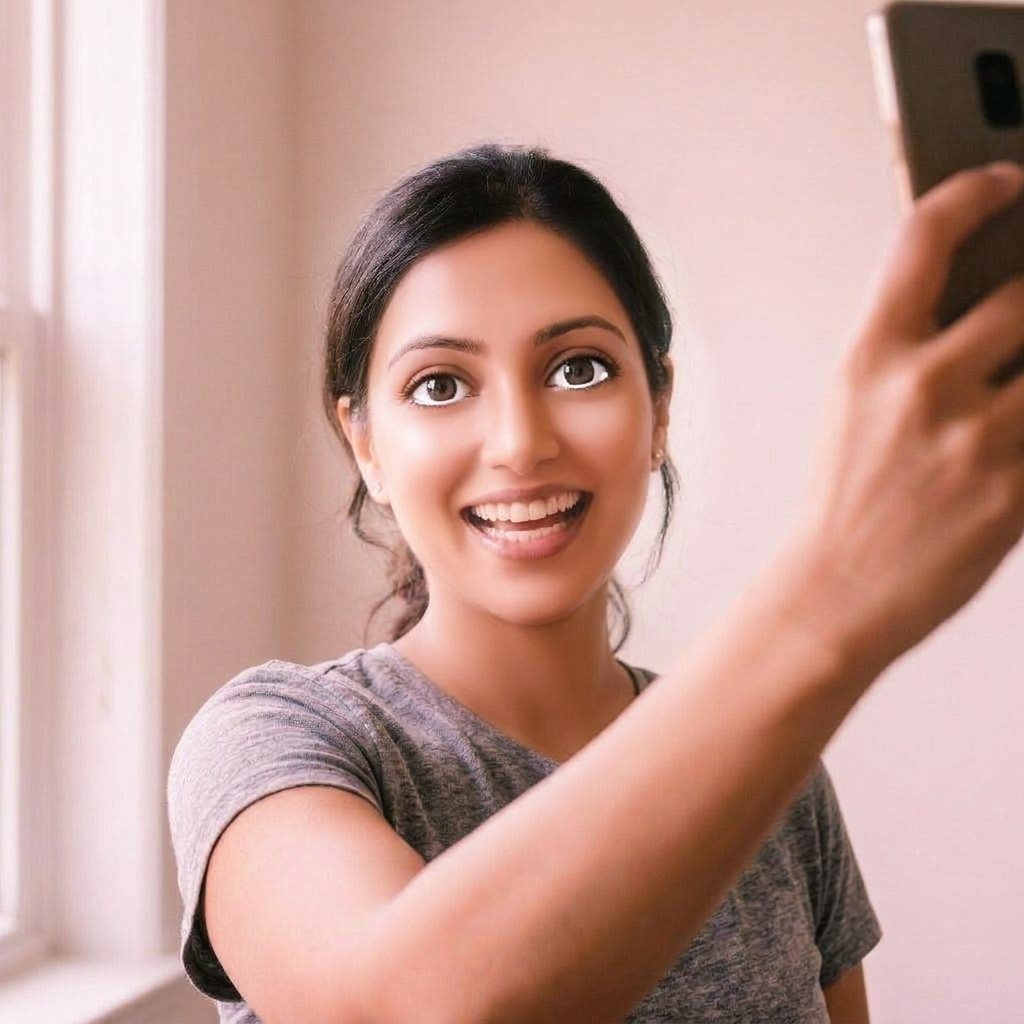
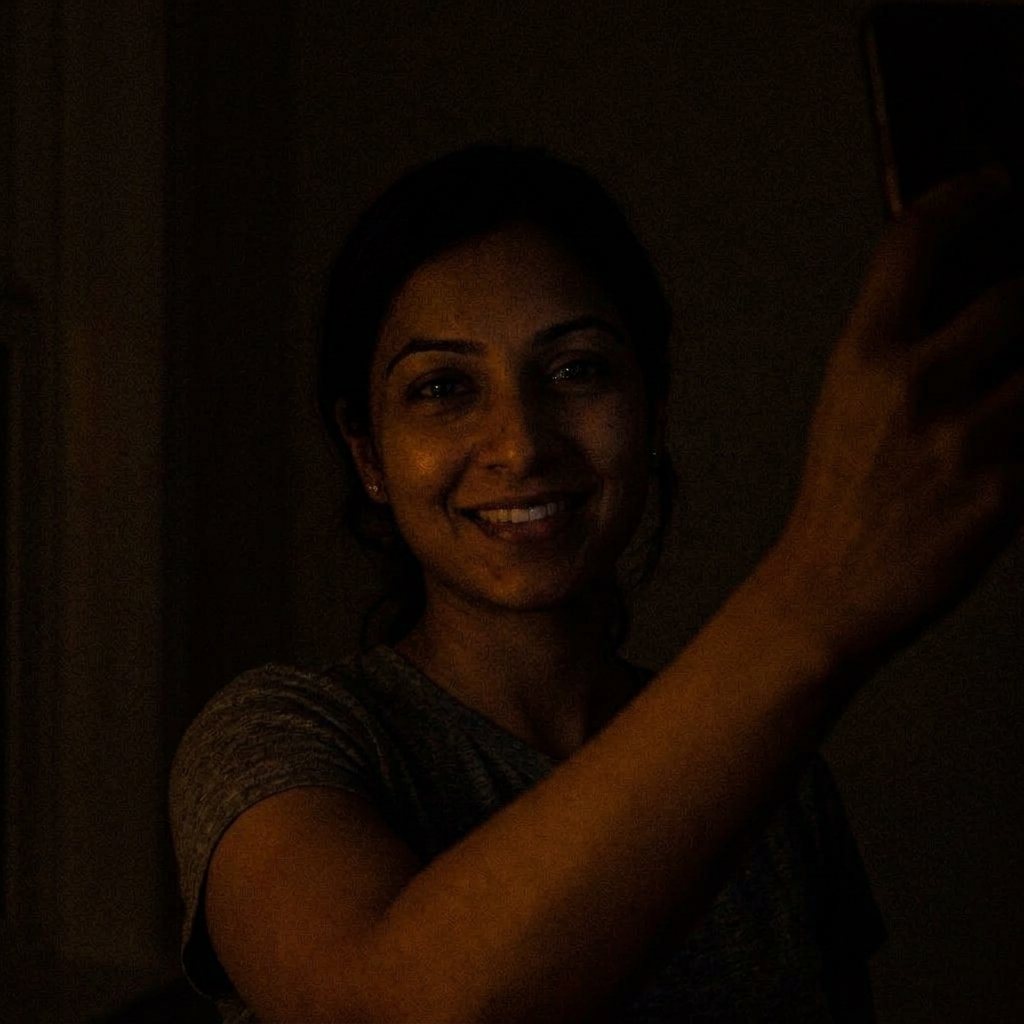
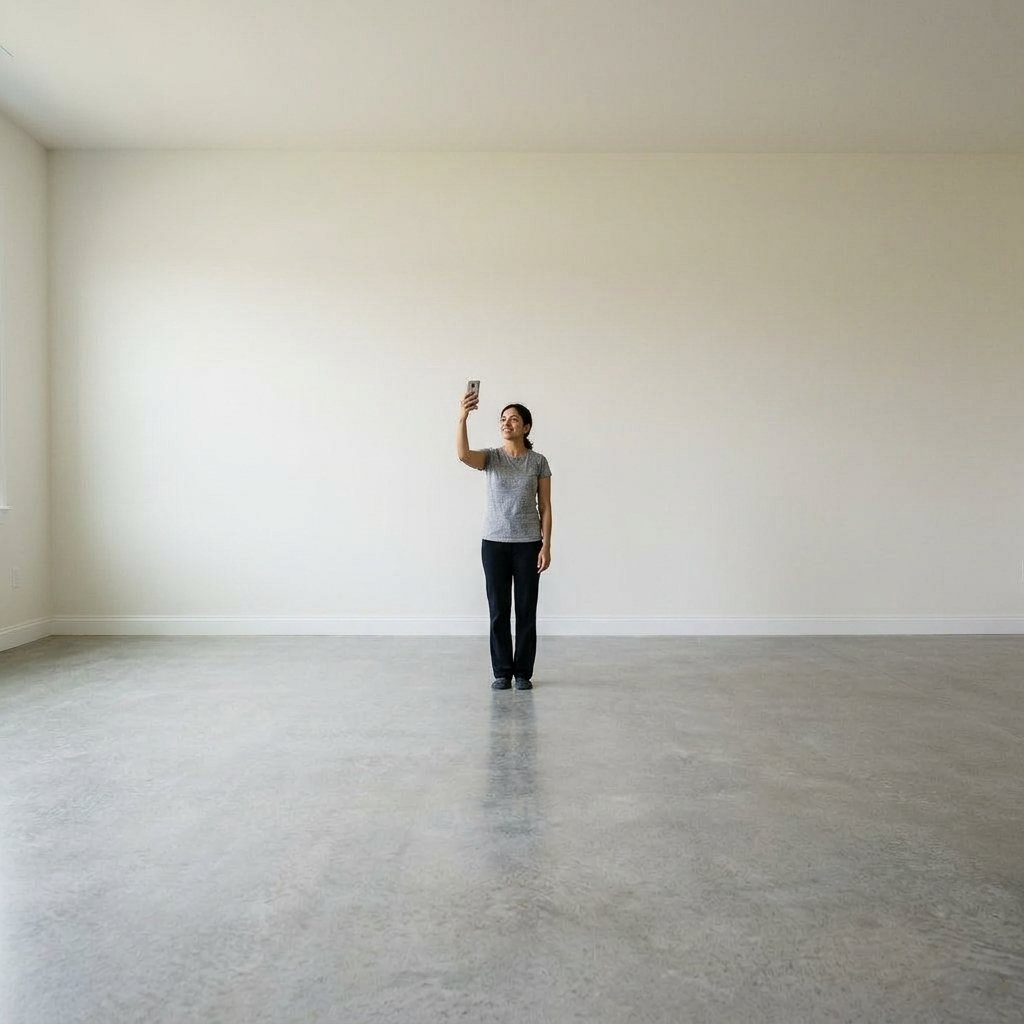
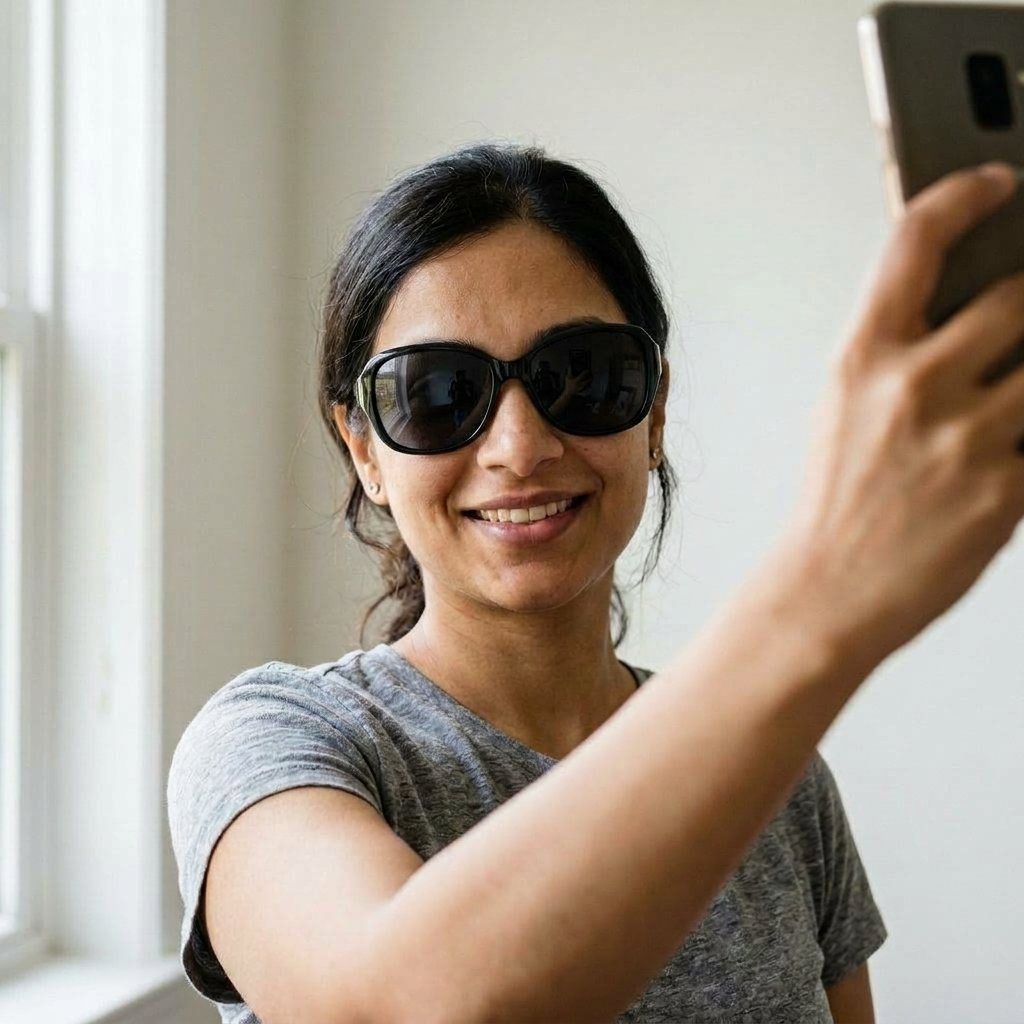
8 fixes, in order of impact
Turn off beauty mode and filters
Smoothed skin in the selfies becomes plastic skin in the headshots.
Vary your angles
Front, both three-quarter sides and slightly above. Ten copies of one angle teach the model one angle.
Use daylight
Face a window. Dim, yellow indoor light hides detail the model needs.
Keep it recent and consistent
Photos from the last few months, with the hairstyle and glasses you have now.
Only you in the frame
Crop out other people, pets and hands near your face.
Pick realistic styles
Studio gray and office blur look more believable than dramatic sets. See examples.
Check the details before you choose
Zoom in on ears, teeth, collar and hair edges. Skip any result where something looks off.
Ask someone who knows you
You're the worst judge of your own likeness. A friend will spot the one that looks most like you.