-
Step 1
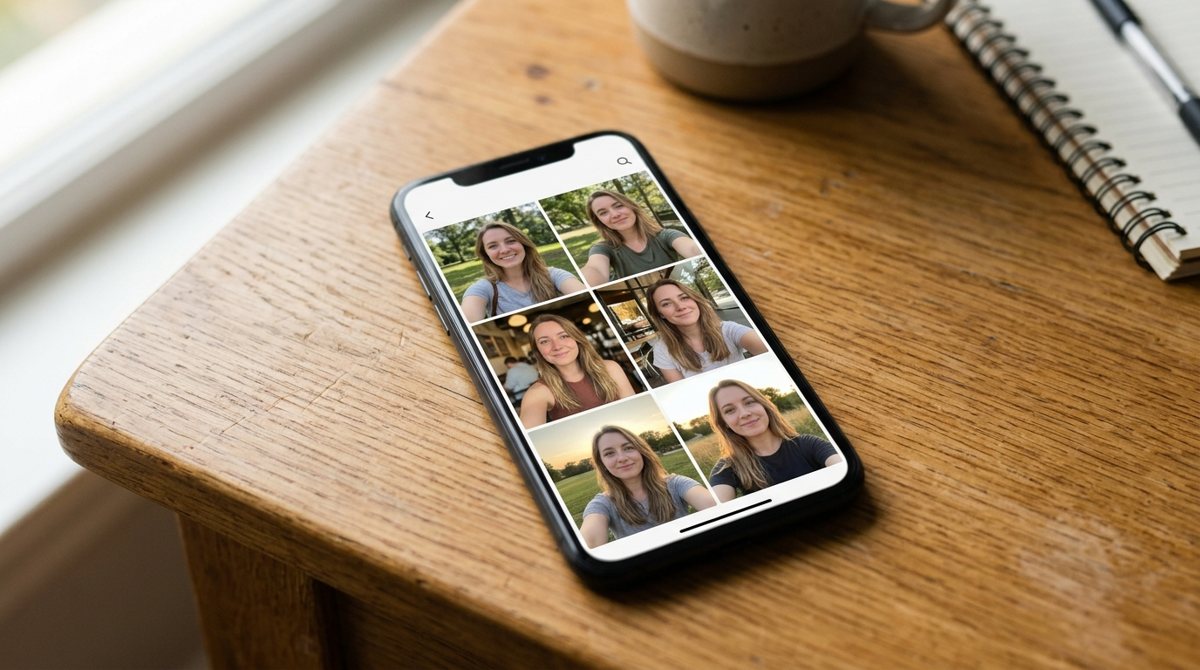
Take 4–10 selfies
Use daylight, no filters, and a few different angles and expressions. Selfie tips.
-
Step 2
Upload them
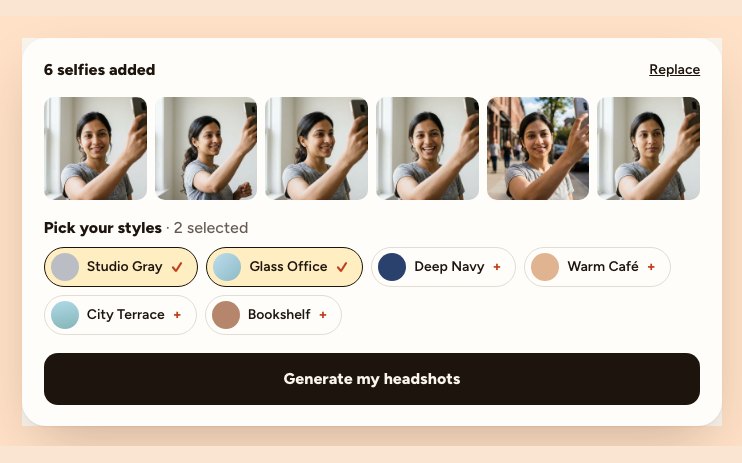
Drag the photos into the uploader. HEIC from iPhone works; no need to convert.
-
Step 3
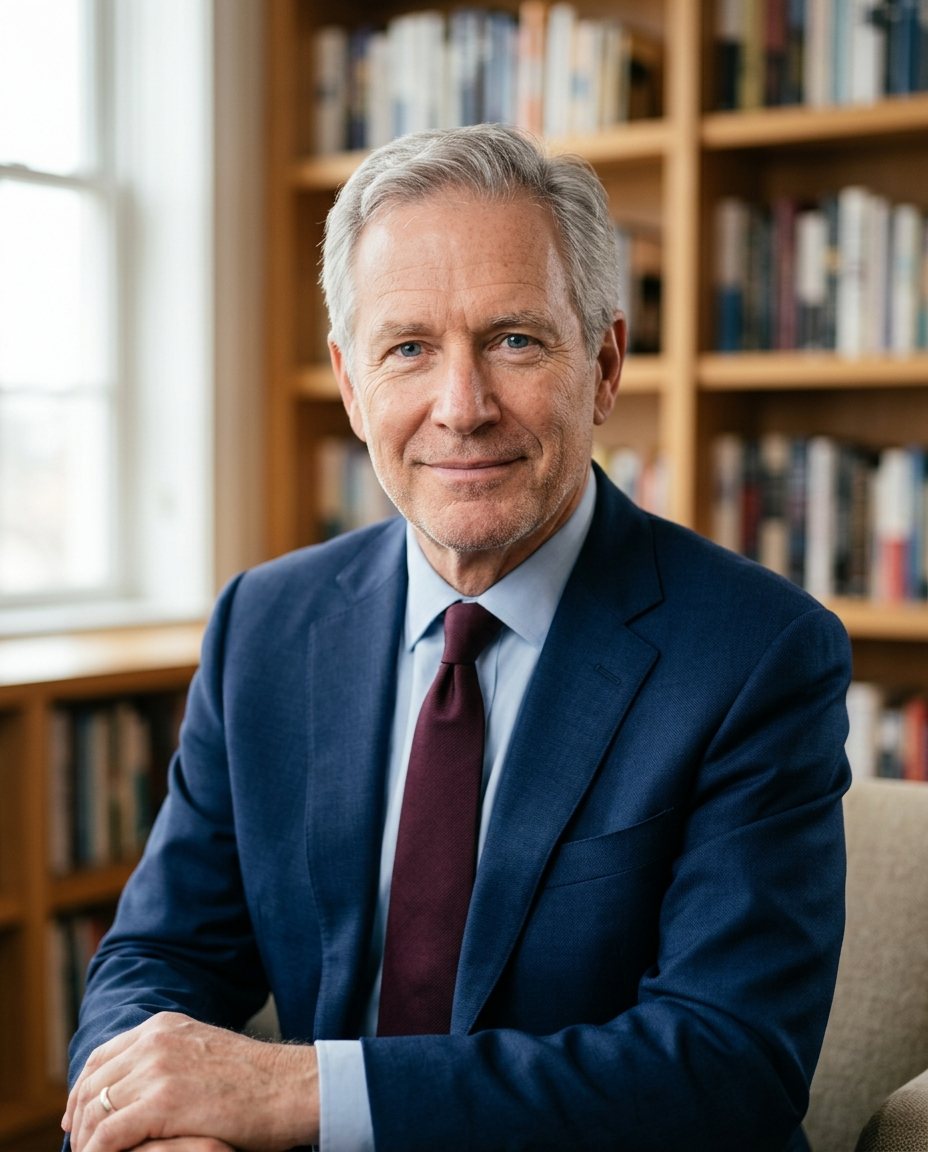
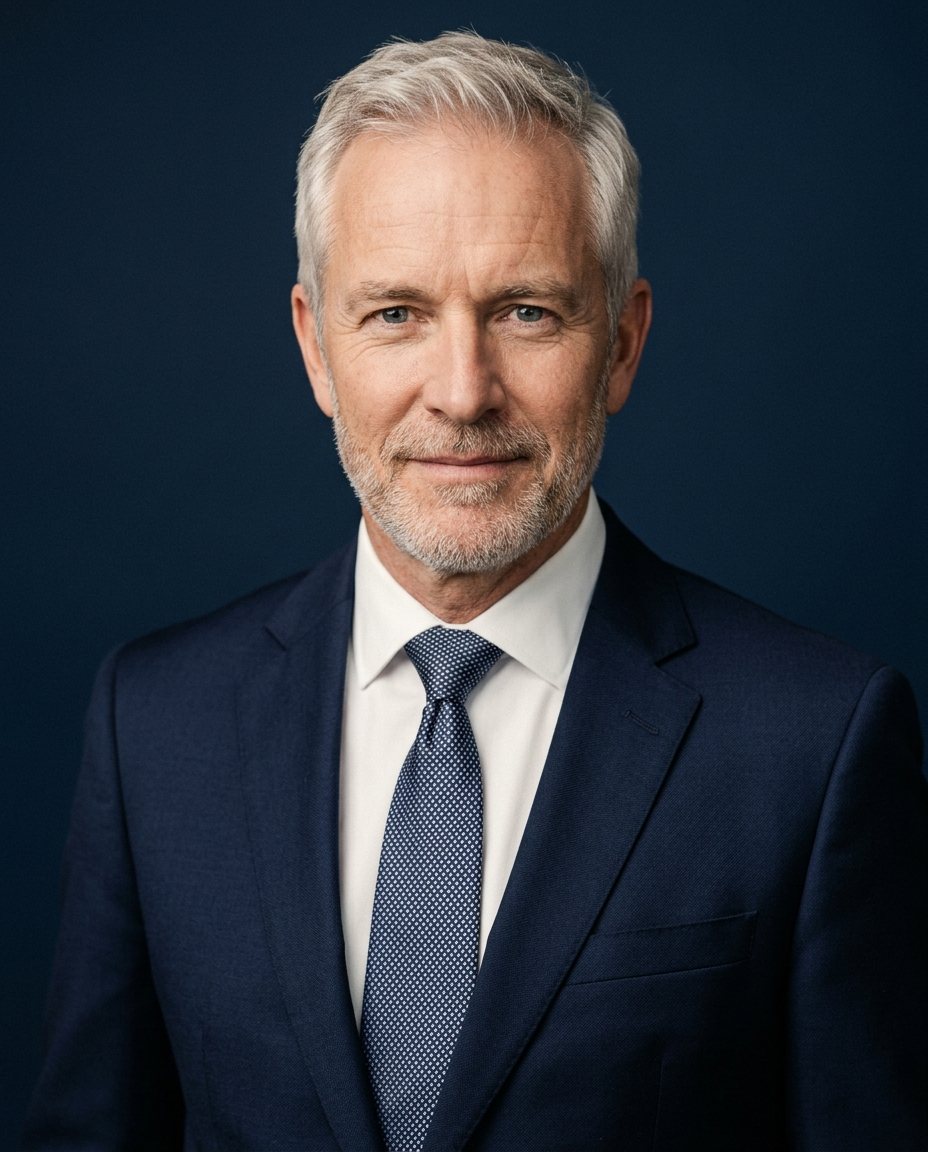
Pick outfits and backgrounds
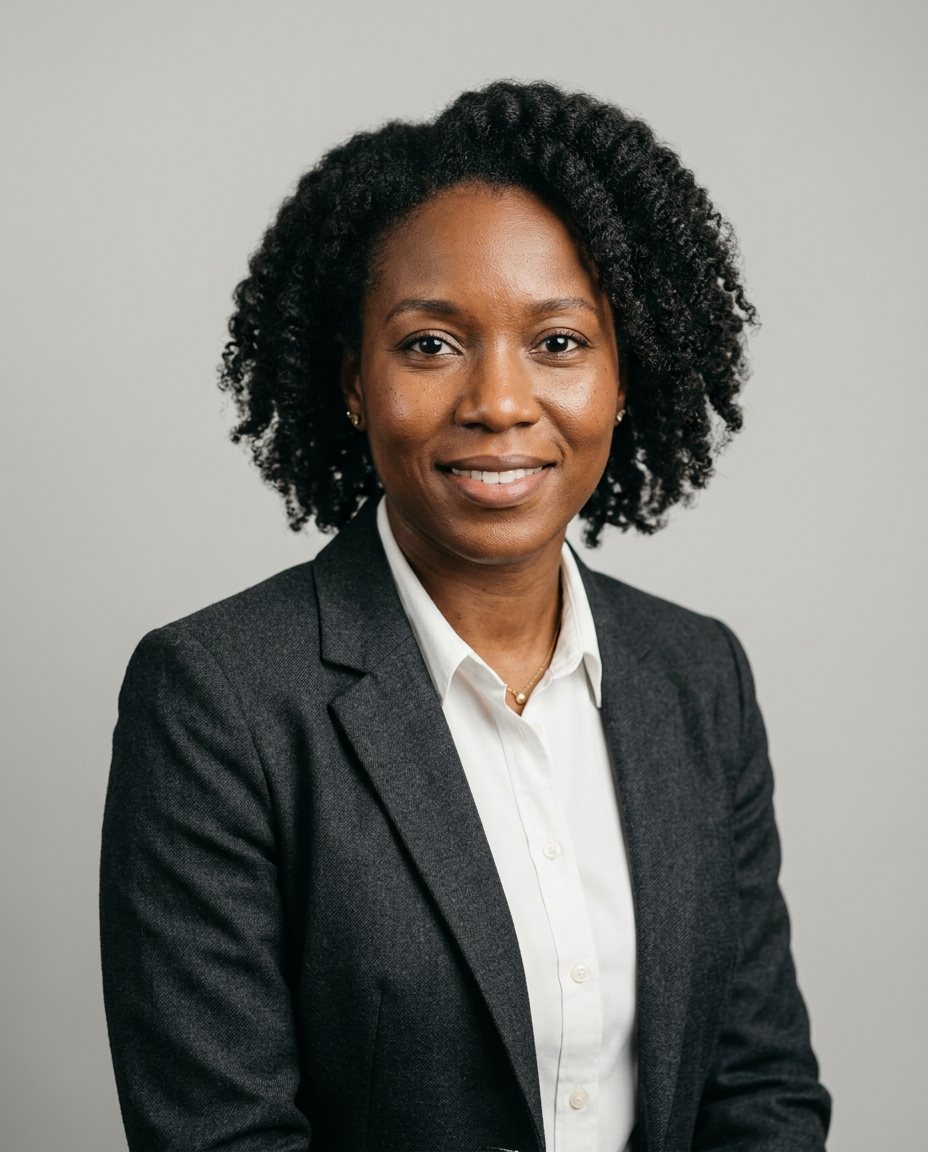
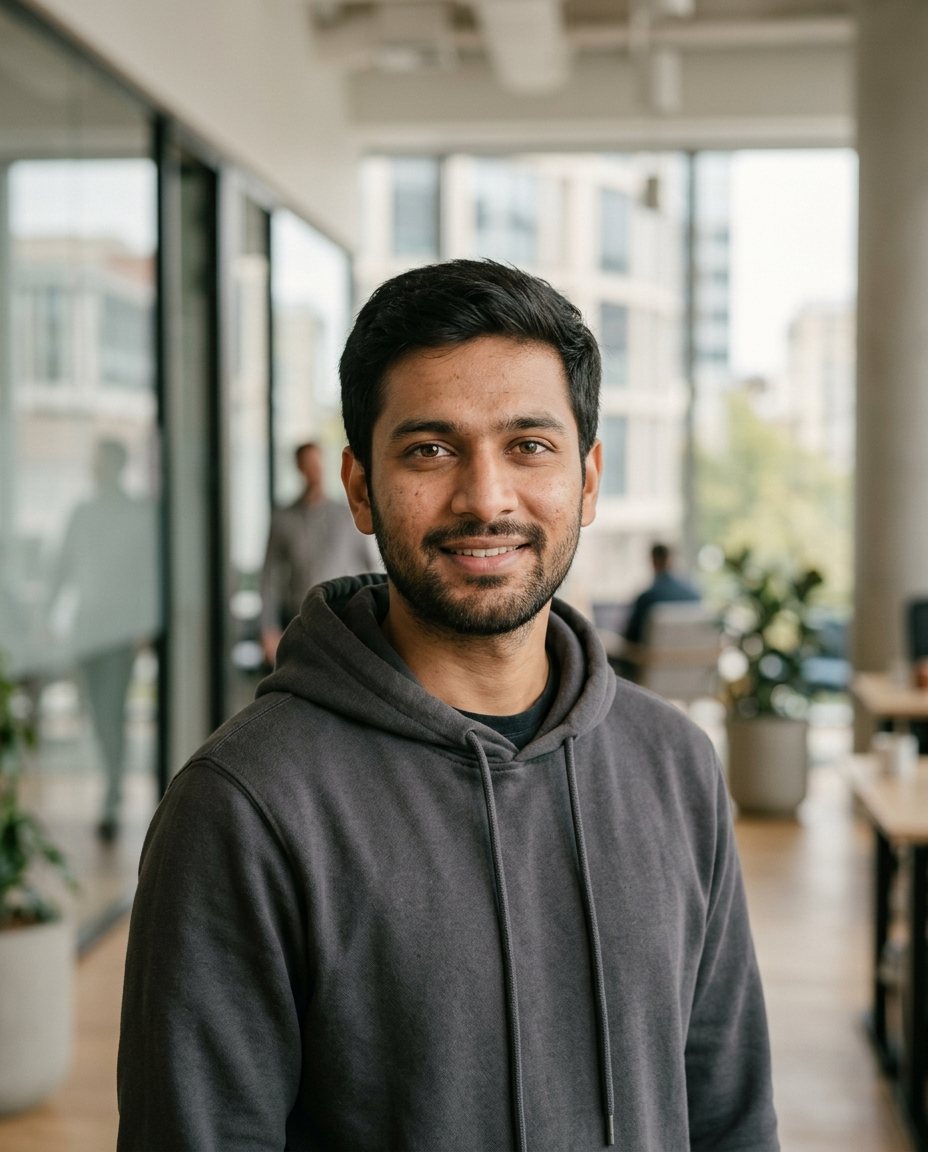
Choose two or more styles. If you're not sure, start with studio gray and office blur. Browse looks.
-
Step 4
Wait a few minutes
Free headshots take about 2 minutes. Larger packs take 15–30 minutes, and we'll email you when they're ready.
Creating your headshots… 64% -
Step 5
Choose and download
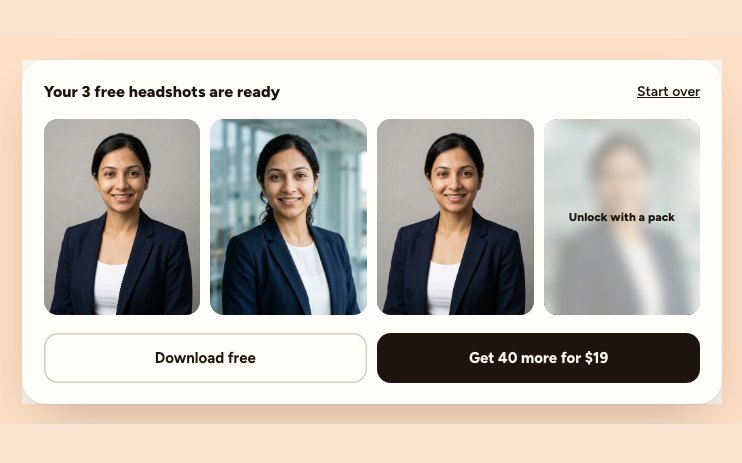
Pick your favorites, check the details up close and download. Need a different backdrop later? Swap the background.
Can you make an AI headshot for free?
Yes. HeyAIHeadshot gives you 3 headshots in 2 styles with no credit card. You can also write prompts in a general image generator, though likeness is harder to control. Prompts that work.
Ready to try it?Upload your selfies now. Your first 3 headshots are free.
Upload selfies